'%3e%3cg%20id='组_13902'%20data-name='组%2013902'%20transform='translate(-14139.51%20-7418.167)'%3e%3cellipse%20id='椭圆_10375'%20data-name='椭圆%2010375'%20cx='373'%20cy='373'%20rx='373'%20ry='373'%20transform='translate(-13.49%2057.167)'%20fill='url(%23radial-gradient)'/%3e%3cpath%20id='路径_20875'%20data-name='路径%2020875'%20d='M329.248,19.9q0,2.735-5.469,9.571t-6.837,12.306q-10.939,0-31.448,3.076t-30.764,3.076a99.6,99.6,0,0,1-11.28-1.025,100.371,100.371,0,0,0-11.964-1.025q-12.306,1.367-35.55,6.153-21.877,8.2-46.488,45.121t-26.662,61.529a73.892,73.892,0,0,1,20.51-3.418q65.631,0,121.69,22.561l6.153-.684q2.051,5.469,12.306,15.724t12.306,18.459q-2.735,12.306-17.775,19.826-20.51,10.255-23.928,13.673-97.762-7.52-94.344-7.52-10.255,0-54.009,30.764Q84.5,322.755,78.347,356.254T72.194,446.5a18.2,18.2,0,0,0,2.051,8.2l-2.051,1.367-2.051,6.153q-6.837,1.367-19.826,9.571-2.051-6.153-2.051-18.8t-2.051-18.8q1.367-13.673.684-79.3,0-48.539,7.52-78.62L48.266,270.8q0-4.1-.684-12.306V246.869q0-17.091,9.571-33.5,17.091-30.081,17.091-30.764,10.938-25.979,21.877-69.049H93.387q-15.724-1.367-21.193,21.877-7.52.684-21.535,13.673T26.389,162.1q-9.571,0-17.775-15.04T.41,121.077q0-12.306,8.2-28.713l-.684-4.1a60.81,60.81,0,0,1-3.418-6.153l5.469-4.786L7.93,26.049q8.887-14.357,24.612-10.938,2.051-6.153,9.229-12.648t8.546-9.229A187.573,187.573,0,0,1,69.459-9.5l3.418,3.418a12.9,12.9,0,0,0,4.1.684q-.684,0,38.285-5.469,71.784-10.255,102.548-10.255Q319.676-21.123,329.248,19.9Z'%20transform='translate(210.119%20238.766)'%20fill='url(%23linear-gradient)'/%3e%3c/g%3e%3c/g%3e%3c/svg%3e)
Open the marketplace by typing https://feee.io/c2c into your computer's browser or cell phone's dapp browser.
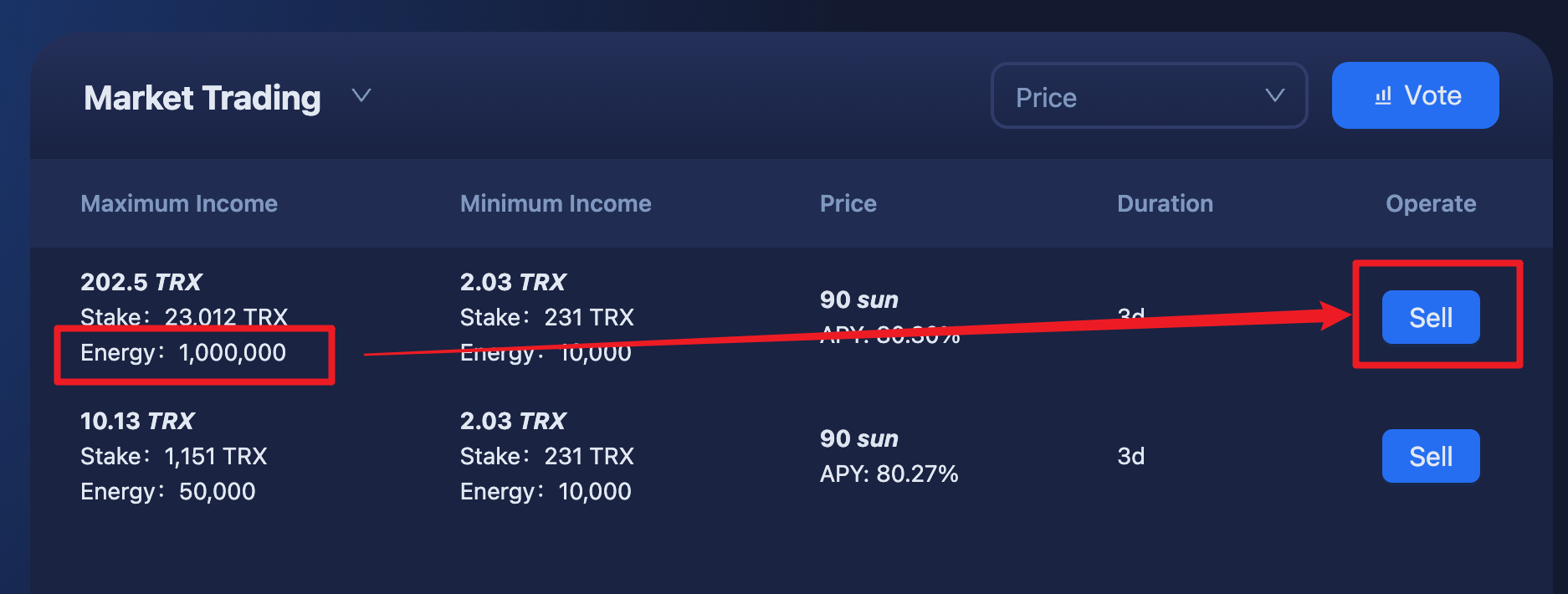
Find the energy order in the marketplace and click on the "Sell" button.
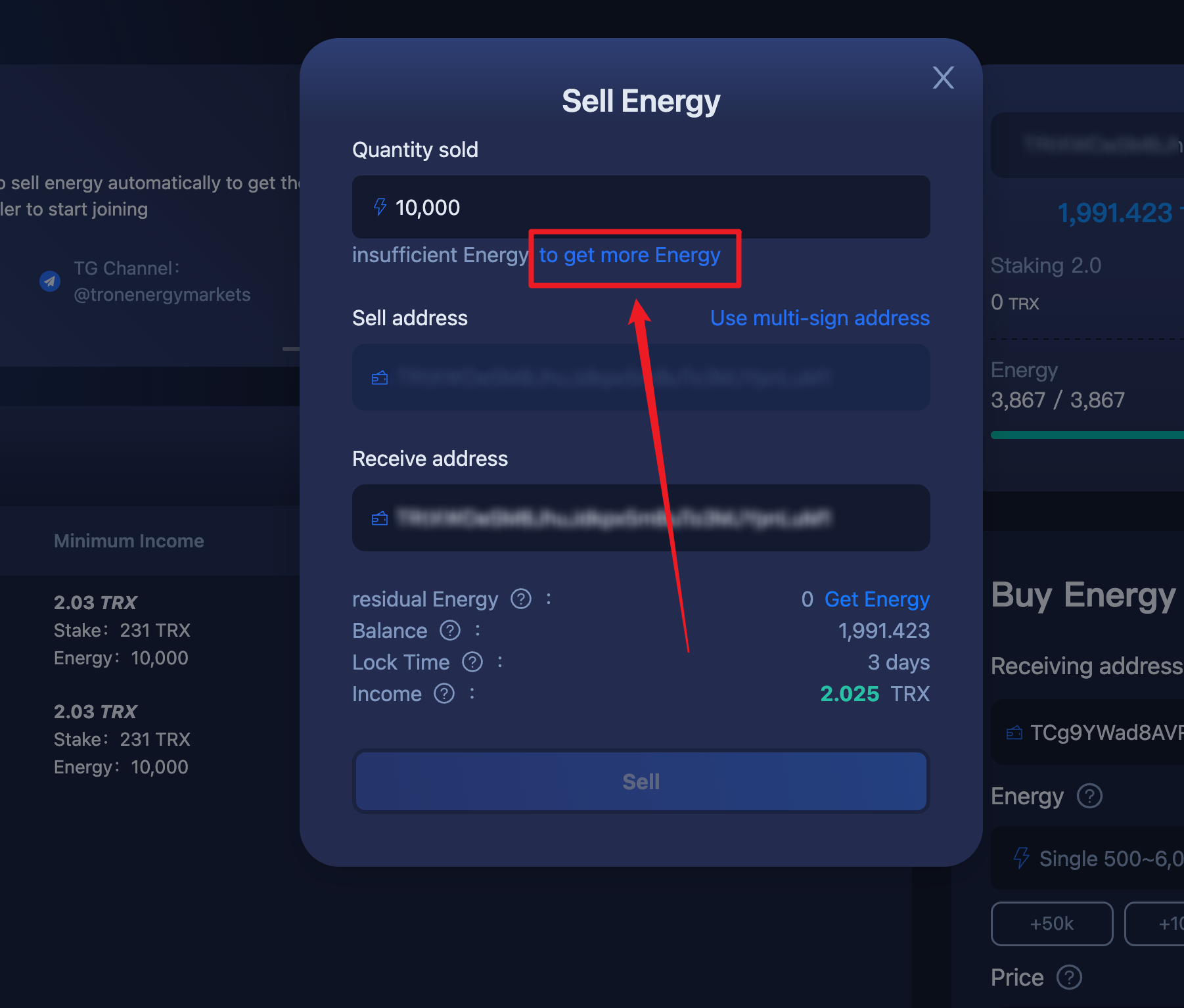
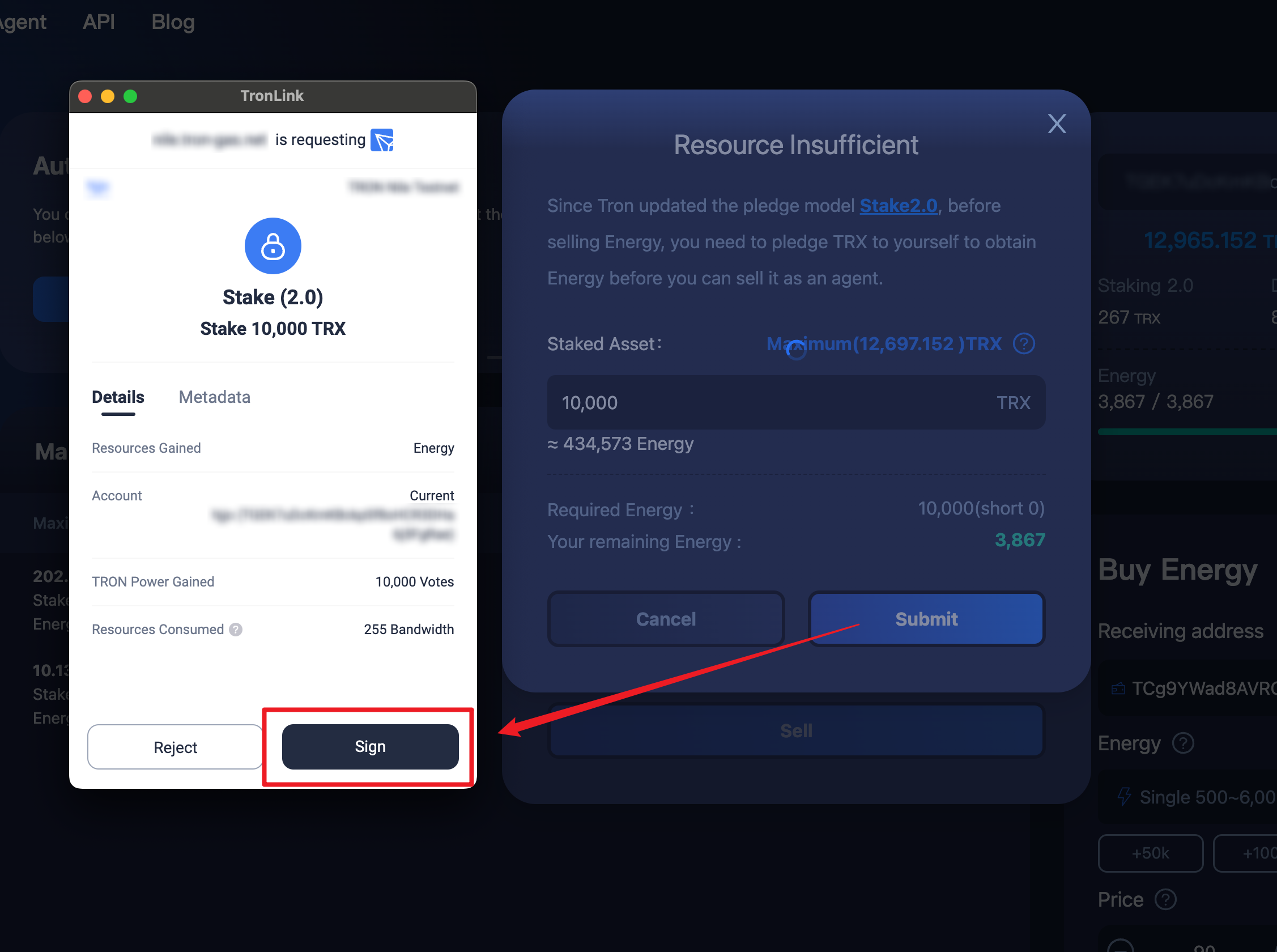
If there are not enough energy resources available for sale in the address, the system will indicate that there is not enough energy, and the user can click on "Get More Energy" for Pledge 2.0 operation to get more energy resources for sale.
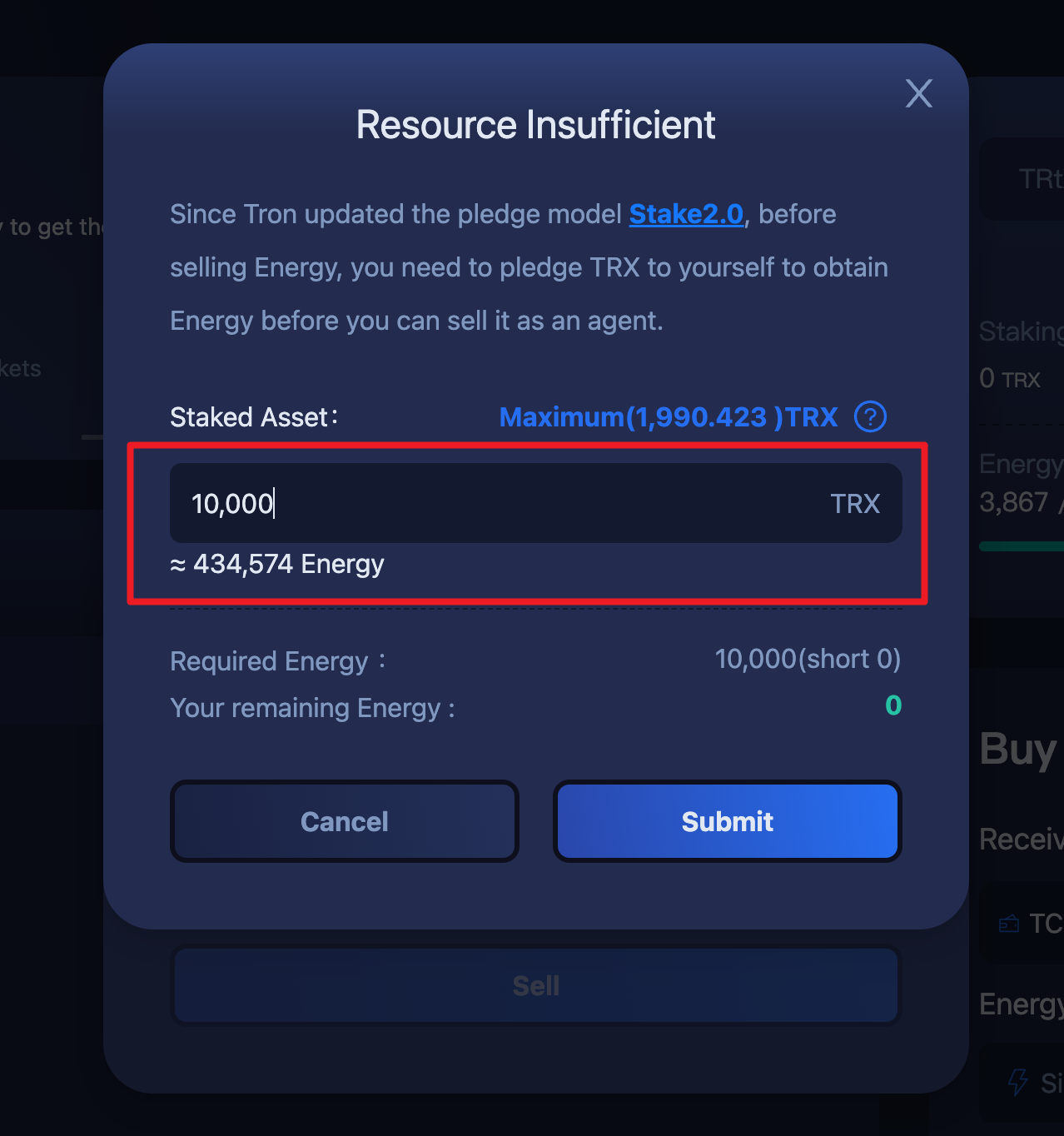
Enter the amount of TRX to be pledged and the system will calculate the amount of energy resources to be gained from the pledge.
After clicking "Submit", a signature window will pop up. After clicking "Sign", you can complete the pledge operation and obtain energy resources.
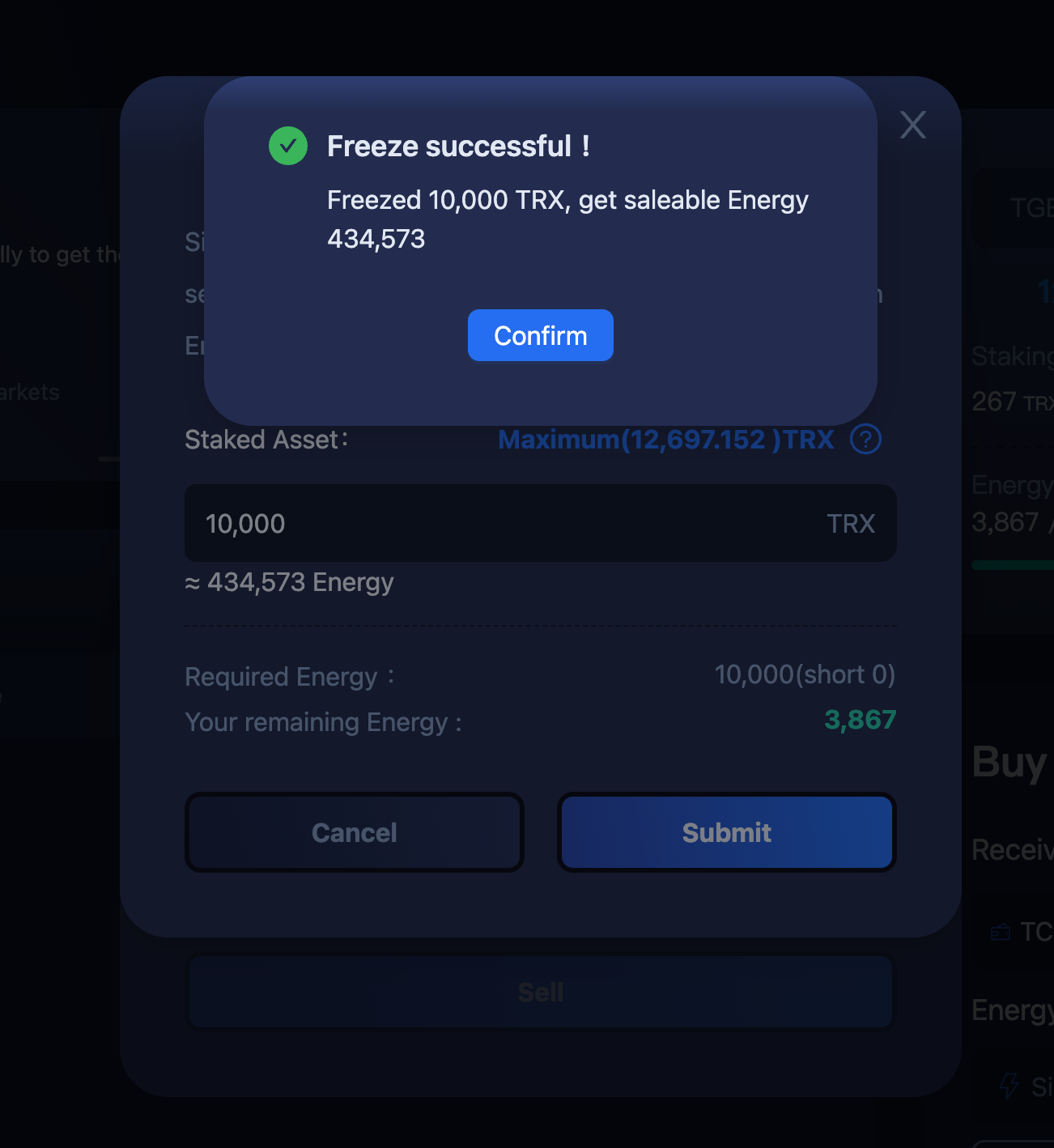
You can see the amount of energy resources gained when the Pledge Success screen pops up.
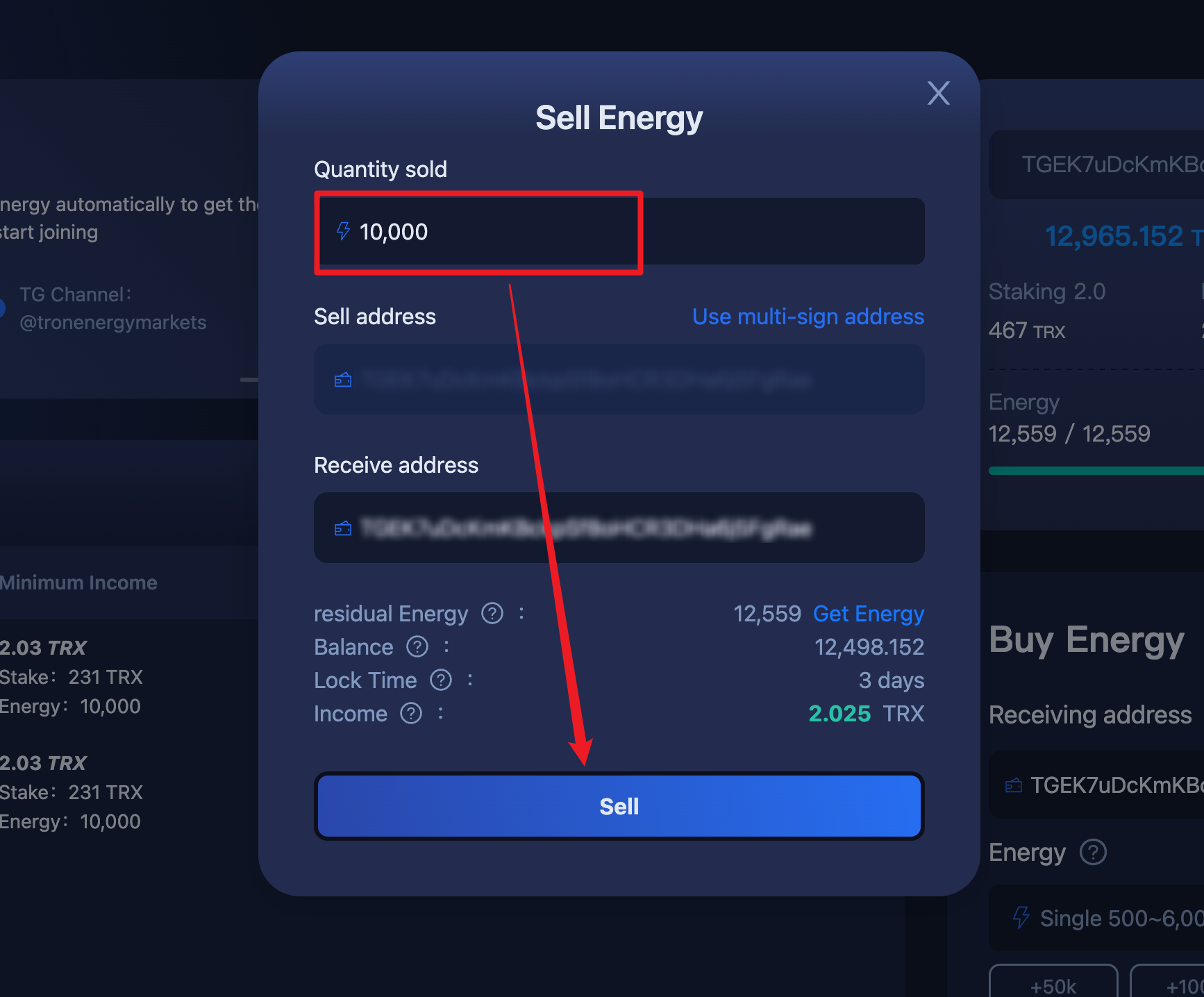
Go back to the trading market and find the energy order and click on sell, then the sell energy function page will pop up, enter the quantity to be sold and click on the "Sell" button.
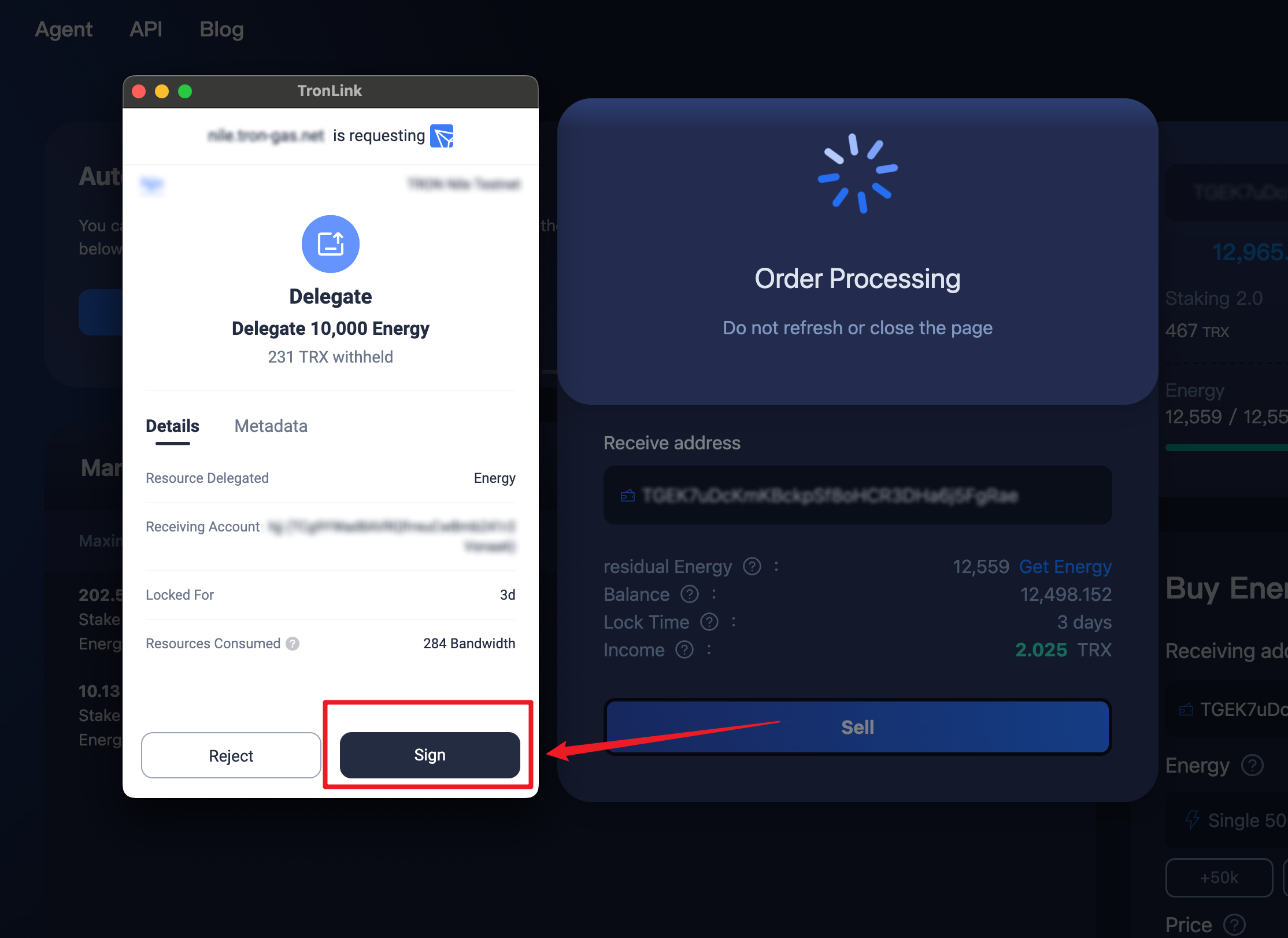
Click "Sign" when the signature confirmation page pops up.
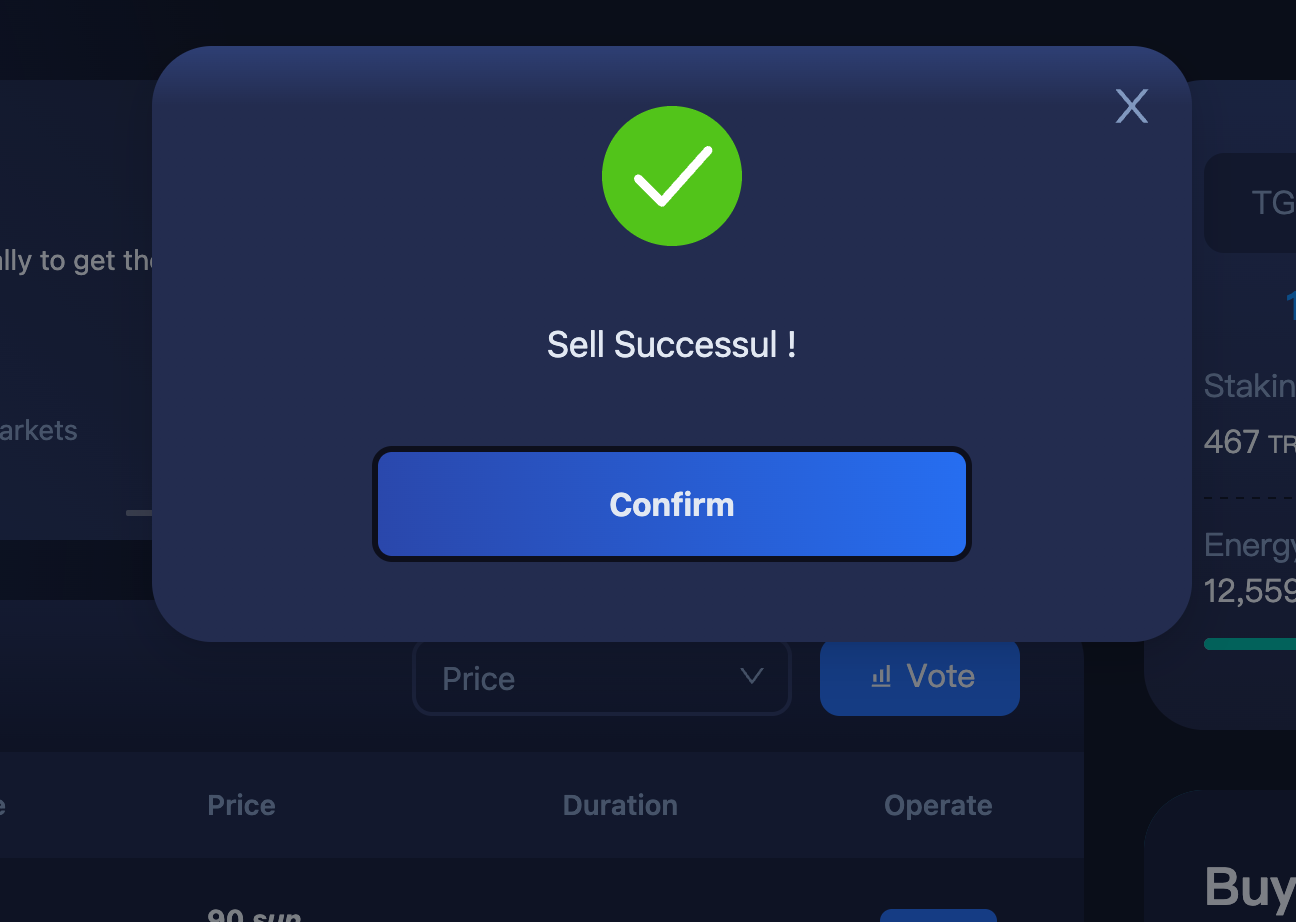
A successful sale pop-up means the sale is complete.
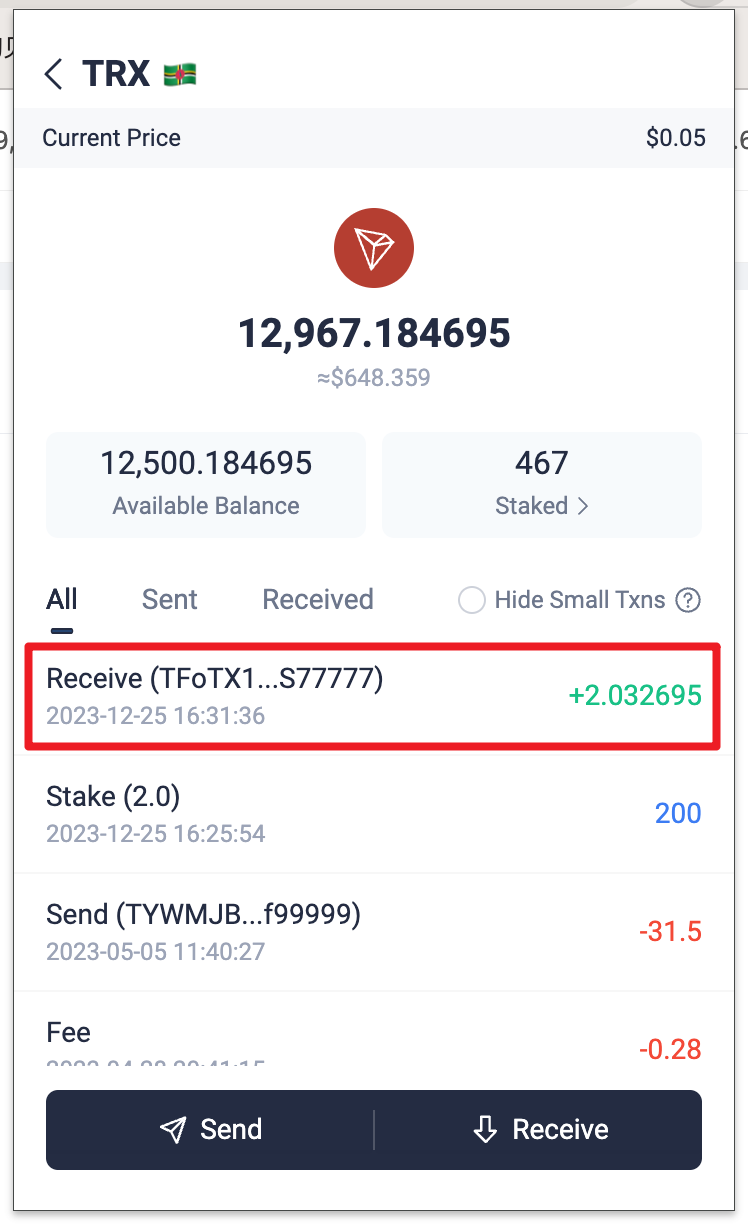
Check your earnings in your wallet in 3 seconds